
For many businesses, Google Workspace started with a simple requirement:
Professional email on their own domain.
Today, that is only part of the story.
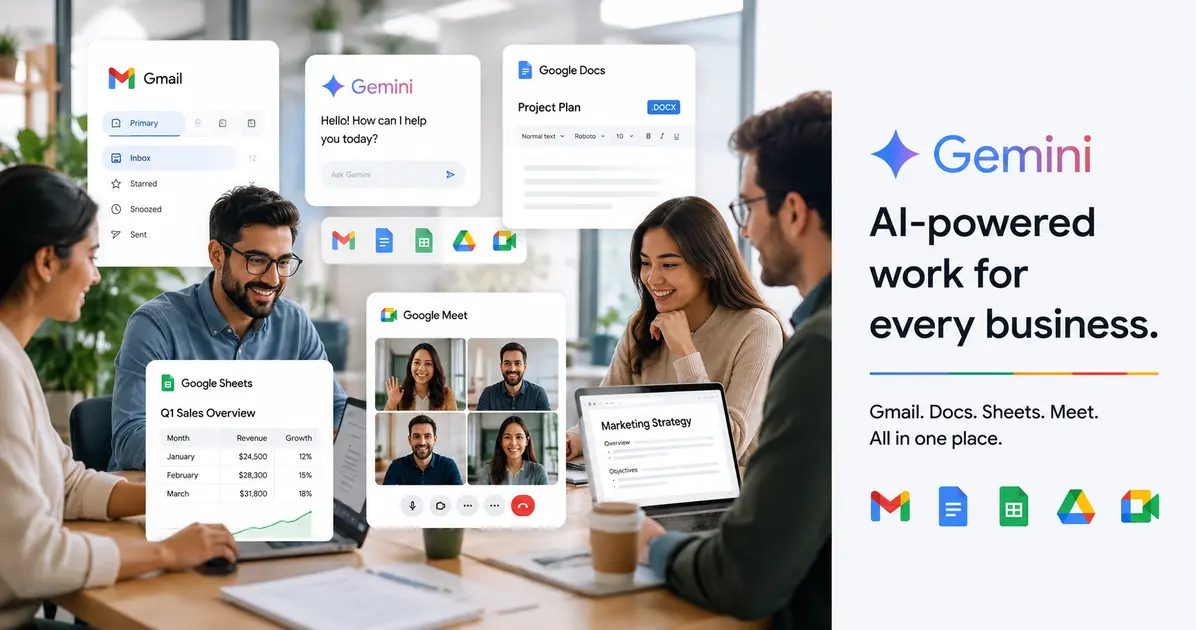
Google Workspace brings together Gmail, Drive, Docs, Sheets, Meet, Calendar and other productivity tools, while Gemini is increasingly integrated into the experience. Google currently positions Gemini across Gmail, Docs, Sheets, Meet, Drive and other Workspace applications.
For a small business, the bigger question is no longer simply:
"Should I use Gmail for my business?"
It is:
"How much of my everyday work can I manage inside one connected business workspace?"
Professional email is still the foundation
A business using:
may look very different from one using:
Google Workspace provides custom business email through Gmail while connecting email with the rest of the Workspace ecosystem.
That means your email, calendar, files, meetings and documents can operate within the same business environment.
Gemini changes the productivity equation
AI is now built into many parts of Google Workspace.
Google's current Workspace offering includes Gemini capabilities across products such as Gmail, Docs, Sheets, Meet and Drive.
That can translate into practical tasks such as:
Summarising email conversations
Drafting emails
Creating document drafts
Summarising meetings
Working with information in documents
Analysing spreadsheet data
Researching information
Creating presentations
Automating repetitive workflows
The important point is that AI is increasingly available inside the tools employees already use.
Gmail becomes more than an inbox
Email is often one of the biggest time drains in a small business.
Messages arrive throughout the day.
Important information gets buried.
Follow-ups are forgotten.
Long conversations take time to understand.
Gemini can help with tasks such as summarising conversations and drafting responses. Google has also been expanding more proactive AI capabilities in Gmail for business users.
The goal isn't to remove humans from communication.
It is to reduce the amount of repetitive work surrounding communication.
Google Meet can capture what happened
Meet is another area where AI can reduce administrative work.
AI-assisted meeting features can help capture notes and turn conversations into useful follow-up information. Google currently highlights AI note-taking and related meeting capabilities as part of Workspace's AI experience.
For a small business, this can be useful for:
Client meetings
Sales calls
Internal meetings
Project discussions
Team updates
Instead of relying entirely on someone to manually document every meeting, AI can help create a starting point.
Drive becomes a business knowledge base
Businesses accumulate enormous amounts of information.
Proposals.
Contracts.
Reports.
Presentations.
Product documents.
Internal procedures.
Customer information.
Google Drive provides the underlying storage, while newer AI capabilities can help users find, understand and work with information across their files. Google describes Gemini Notebook as a research and thinking partner that can be grounded in trusted business information.
This opens up an interesting possibility for small businesses:
Your internal documents can become a much more accessible source of business knowledge.
Automation is becoming more important
The next stage isn't simply asking AI to write something.
It is asking AI to help complete a workflow.
Google is expanding Workspace capabilities around automation and agents. Current Workspace materials describe AI-powered workflows and agents that can work across Workspace and, in some cases, connected third-party services.
For example, a future workflow might involve:
New enquiry → Email received → Information extracted → Follow-up created → Team member notified
The value comes from reducing repetitive manual steps.
Is Google Workspace suitable for a small business?
For many small businesses, the appeal is simplicity.
Instead of buying separate tools for:
Email
Cloud storage
Video meetings
Documents
Spreadsheets
Calendars
AI assistance
Team collaboration
Workspace brings many of these capabilities into one ecosystem.
That can reduce the number of systems employees need to learn and manage.
But don't choose a plan based only on AI
AI features are attractive, but they shouldn't be the only consideration.
When choosing a Workspace plan, consider:
Number of users
Storage requirements
Security requirements
Administrative controls
Compliance requirements
Meeting requirements
Data retention
AI requirements
Future growth
Google's current India Workspace offerings vary significantly in storage, meeting capabilities, administration and security controls between plans.
The real value is the ecosystem
The biggest advantage of Google Workspace isn't Gmail alone.
It is the connection between the tools.
A customer email can lead to a calendar event.
The meeting can happen in Meet.
Notes can be captured.
Documents can be created in Docs.
Files can be stored in Drive.
Data can be analysed in Sheets.
AI can assist across several of these workflows.
That connected experience is where Workspace becomes particularly valuable for growing businesses.
What should a small business do?
If you're starting from scratch, don't overcomplicate it.
Start with:
Your own business domain
Professional email
Google Workspace
Shared Drive structure
Proper user accounts
Security controls
A sensible file-management system
AI features that actually solve business problems
Then expand as your team and requirements grow.
Google Workspace is becoming an AI-powered work platform
The biggest change in Workspace is not that Gmail now has AI.
It is that AI is becoming part of the broader business workflow.
For small businesses, that means the question is shifting from:
"Where can we use AI?"
to:
"Which parts of our work should AI help us with?"
That is a much more useful question.
And for businesses already using Google Workspace, the answer may be closer than they think.