
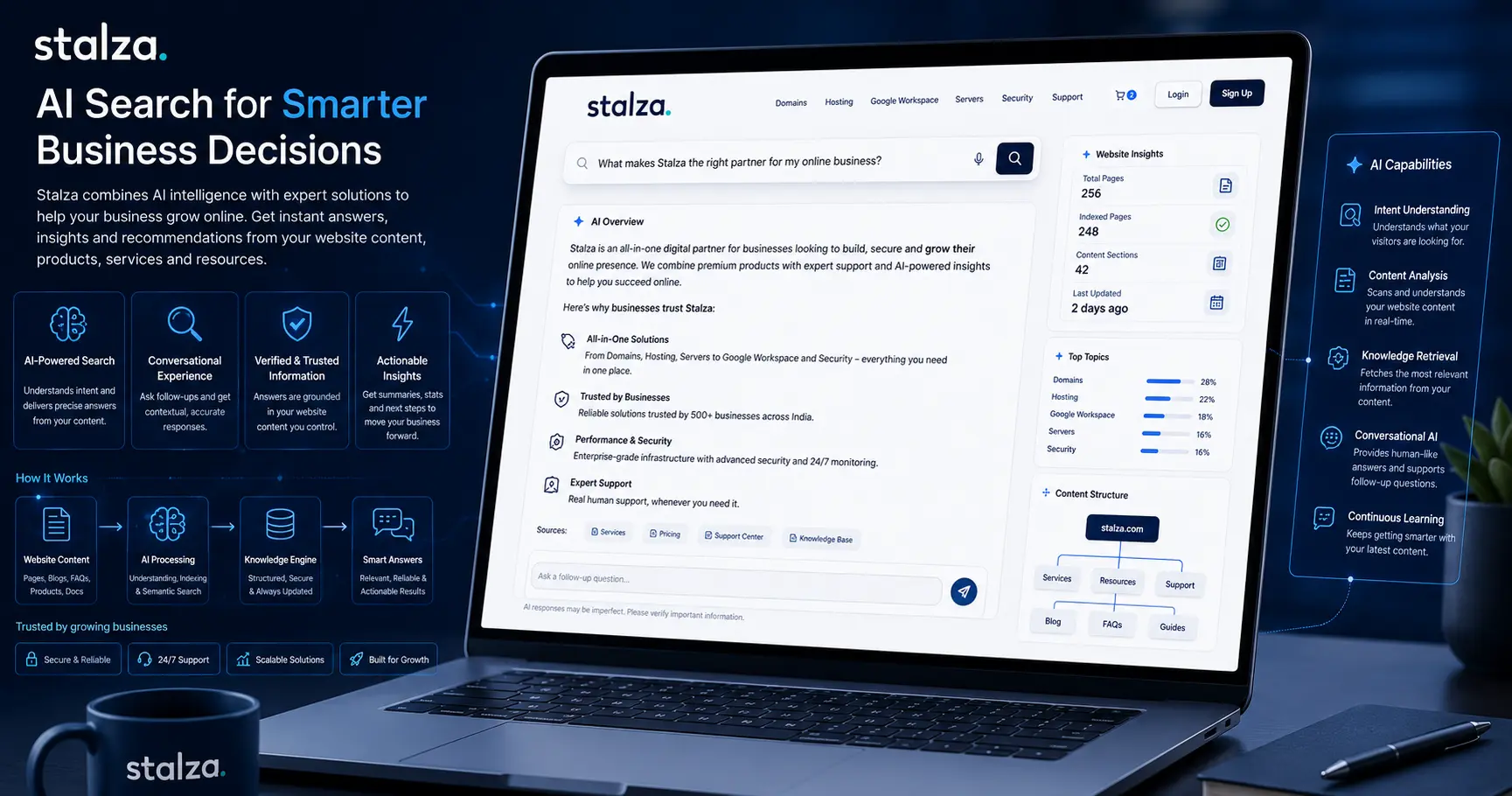
"AI-ready website" sounds technical, but the fundamentals are surprisingly simple.
An AI-ready website is not a website filled with AI widgets.
It is a website that is clear, useful, technically accessible and rich in trustworthy information.
As Google expands AI Overviews and AI Mode, search is increasingly capable of understanding complex questions and connecting users with relevant websites and original content.
That makes website quality more important, not less.
What does AI-ready actually mean?
An AI-ready website should make it easy for both people and search systems to understand:
Who you are
What you offer
Who your services are for
Where you operate
What makes you different
How your products work
What questions you can answer
Think of it as clarity at scale.
Start with your website structure
A confusing website is difficult for everyone.
Your navigation should make sense.
A typical business website might have:
Home
Services
Products
About
Blog
Support
Contact
Individual services should then have their own dedicated pages.
For example, a technology company might have separate pages for:
Domain Registration
Web Hosting
VPS Hosting
Google Workspace
Website Services
This creates a clear information architecture.
Give every important service a real page
One of the most common website mistakes is putting everything on a single services page.
Instead, create dedicated pages for important services.
A dedicated service page can answer:
What is the service?
Who needs it?
What does it include?
How does it work?
How much does it cost?
What are the alternatives?
What questions do customers usually ask?
This gives users a better experience and gives search engines more context.
Write for questions, not just keywords
People don't always search using product names.
They search for problems.
For example:
Keyword:
"VPS hosting"
Real question:
"Do I need VPS hosting for my business website?"
A strong content strategy covers both.
Create pages that explain your products and articles that answer the questions surrounding them.
Build content around real customer problems
Your support team is an excellent source of content ideas.
Every repeated customer question can potentially become:
A blog article
An FAQ
A tutorial
A comparison
A knowledge-base article
A product explanation
If ten customers ask the same question, thousands of potential customers may have the same question.
Performance still matters
AI search does not make website performance irrelevant.
Your website should still load quickly, work well on mobile devices and provide a smooth experience.
Performance affects usability, conversion rates and the overall quality of the website experience.
A beautiful website that takes several seconds to become usable is still a poor business website.
Make important information explicit
Don't hide critical information behind vague marketing language.
Instead of:
"Powerful hosting for modern businesses."
Explain what that means.
For example:
"Our business hosting plans include managed server infrastructure, SSL support, automated backups and scalable resources."
Specific information is more useful than marketing fluff.
Use structured content
Good website content has a predictable structure.
For example:
Service overview
Explain what the service does.
Benefits
Explain why someone should use it.
Features
Explain exactly what is included.
Pricing
Make costs easy to understand.
FAQs
Answer common questions.
Getting started
Explain the next step.
This structure helps customers make decisions without having to search through the entire website.
Don't fill the website with AI-generated content
AI can be extremely useful for research, outlining, editing and content production.
But publishing hundreds of generic articles simply because AI makes them cheap to produce is not a sustainable strategy.
Google's current guidance emphasizes useful, original content and specifically warns against treating generative AI as a shortcut to producing large volumes of low-value content.
The better approach is:
AI-assisted production + human expertise + original information.
Add evidence and experience
If you sell hosting, talk about hosting from actual experience.
If you manage domains, explain real domain-management problems.
If you implement Google Workspace, publish practical setup and migration guides.
If you build websites, show what actually improves performance.
This is where a company like Stalza can differentiate itself from generic content publishers.
Keep your website updated
An AI-ready website isn't something you build once.
Technology changes.
Products change.
Prices change.
Search changes.
Customer expectations change.
Important pages should therefore be reviewed regularly.
Old articles should be updated rather than forgotten.
Build an information ecosystem
Your website should not consist of isolated pages.
A strong structure might look like:
Product → Service Guide → How-To Article → FAQ → Related Product
For example:
Google Workspace
→ Google Workspace for Small Business
→ How to Set Up Business Email
→ Gmail Migration Guide
→ Google Workspace Security Checklist
→ Google Workspace Plans Explained
This creates a connected information ecosystem.
The simplest definition of an AI-ready website
Forget the buzzwords for a moment.
An AI-ready website should be:
Clear. Fast. Useful. Structured. Trustworthy. Current.
If a customer can quickly understand your business and find an answer to their question, you're already moving in the right direction.
AI search doesn't require a completely new type of website.
It requires businesses to build better websites.